


Aves is a gallery and metadata explorer app. It is built for Android, with Flutter.




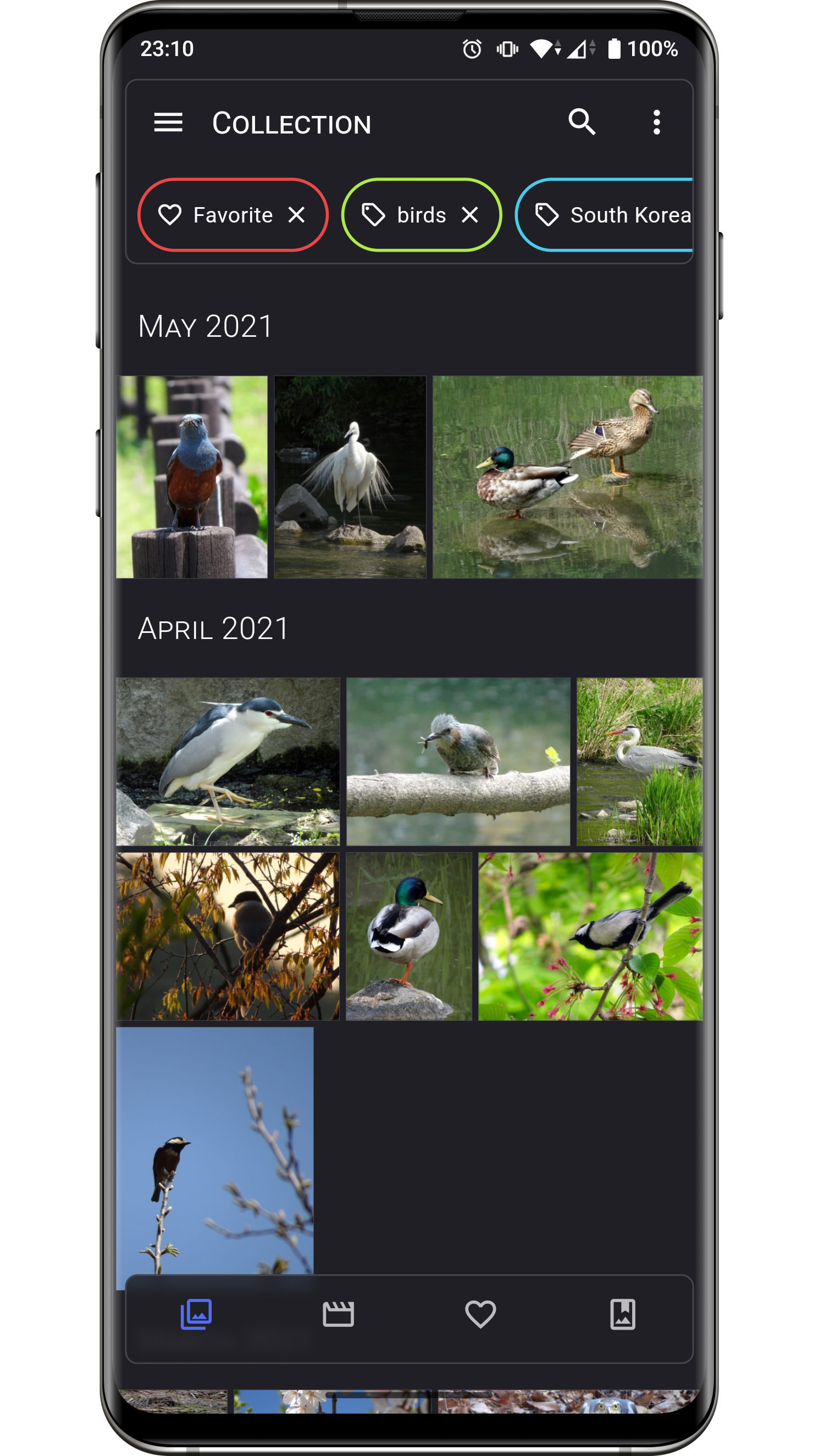
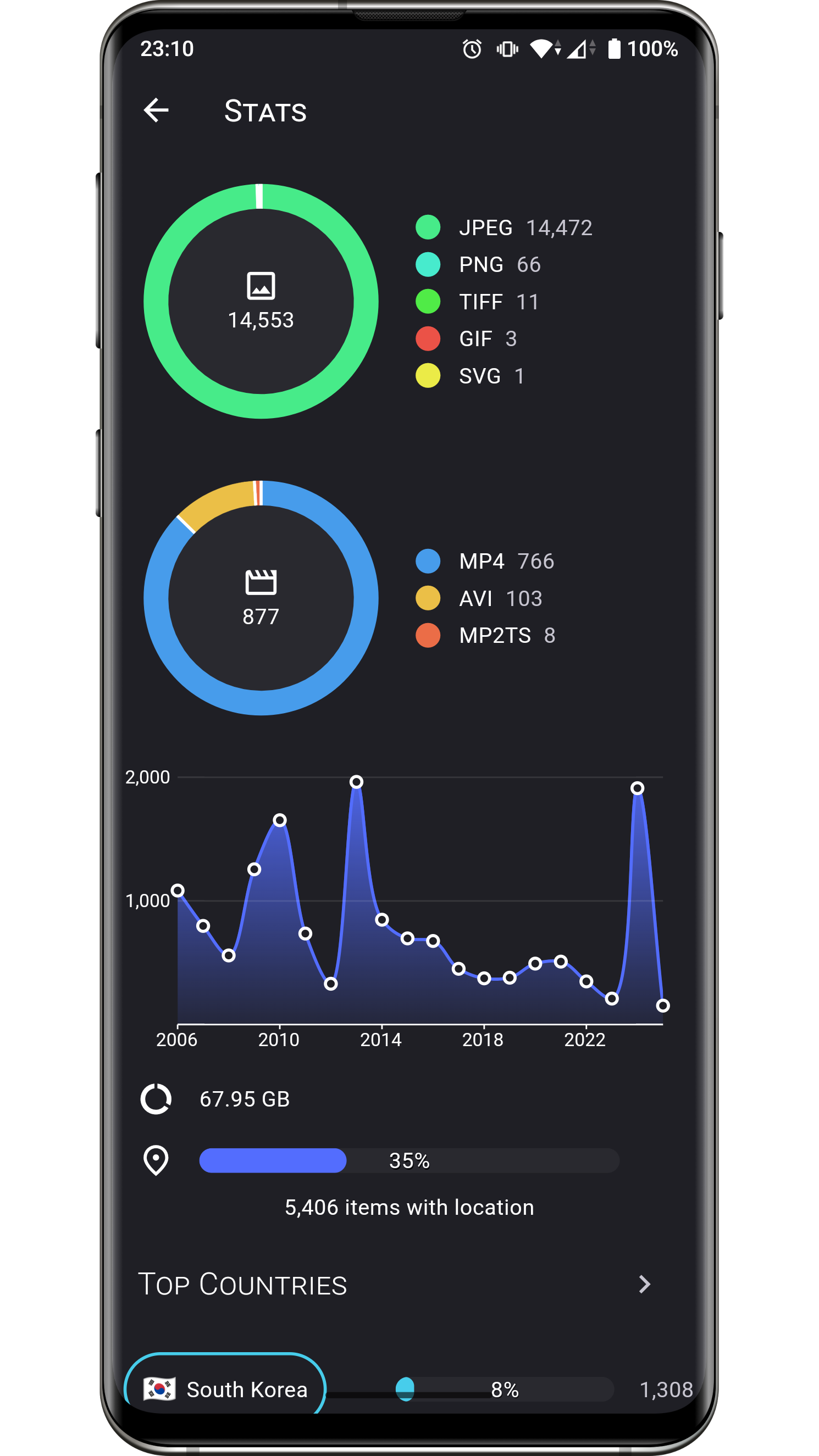
Aves can handle all sorts of images and videos, including your typical JPEGs and MP4s, but also more exotic things like multi-page TIFFs, SVGs, old AVIs and more!
It scans your media collection to identify motion photos, panoramas (aka photo spheres), 360° videos, as well as GeoTIFF files.
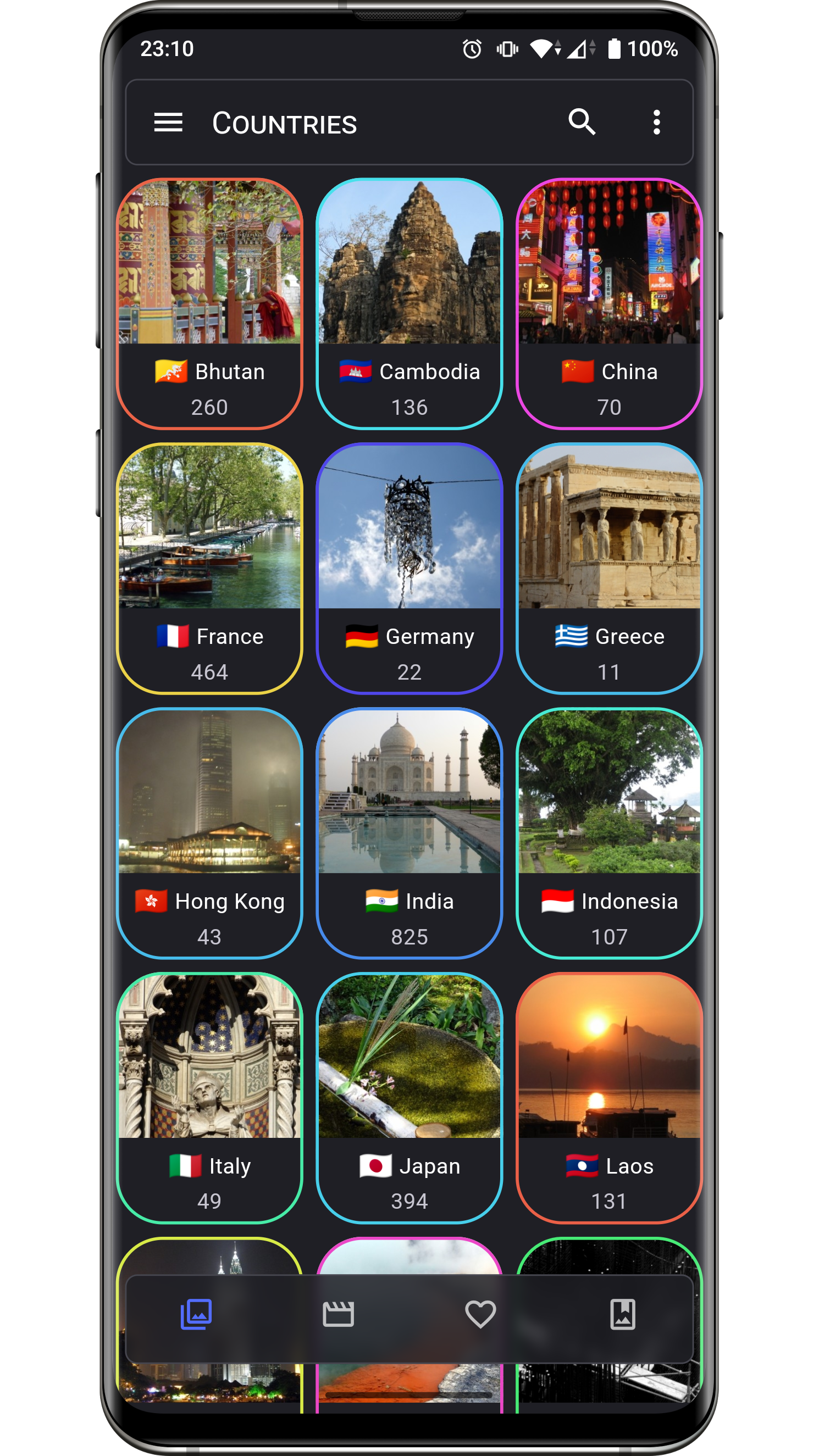
Navigation and search is an important part of Aves. The goal is for users to easily flow from albums to photos to tags to maps, etc.
Aves integrates with Android (including Android TV) with features such as widgets, app shortcuts, screen saver and global search handling. It also works as a media viewer and picker.



The list of changes for past and future releases is available here.
| Permission | Purpose |
|---|---|
| READ_MEDIA_IMAGES READ_MEDIA_VIDEO READ_MEDIA_VISUAL_USER_SELECTED ACCESS_MEDIA_LOCATION |
Media collection read access |
| MANAGE_MEDIA | Media collection write access |
| FOREGROUND_SERVICE FOREGROUND_SERVICE_MEDIA_PROCESSING POST_NOTIFICATIONS ACCESS_NETWORK_STATE ACCESS_WIFI_STATE RECEIVE_BOOT_COMPLETED |
Media scan service feedback |
| INTERNET | Map view, reverse geocoding |
| SET_WALLPAPER | Wallpaper setting |
| USE_BIOMETRIC USE_FINGERPRINT |
Vault lock |
| WAKE_LOCK | Keeping screen on |
Bug reports and feature requests are welcome, but read the guidelines first. If you have questions, check out the discussions.
At this stage this project does not accept PRs.
Translations are powered by Weblate and the effort of wonderfully generous volunteers.
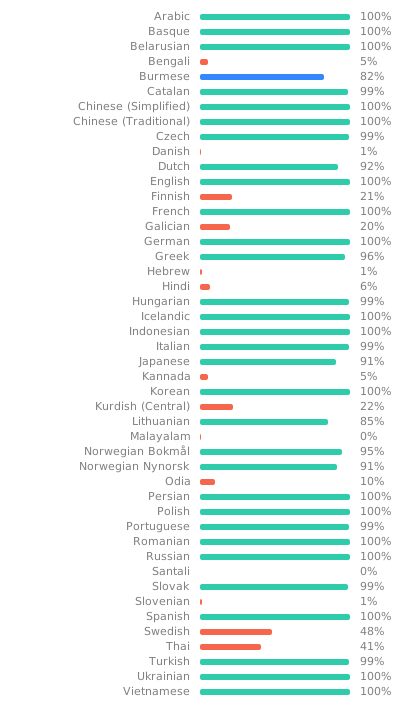
If you want to translate this app in your language and share the result, there is a guide.
Some users have expressed the wish to financially support the project. Thanks! ❤️



Before running or building the app, update the dependencies for the desired flavor:
# scripts/apply_flavor_play.sh
To build the project, create a file named <app dir>/android/key.properties. It should contain a reference to a keystore for app signing, and other necessary credentials. See key_template.properties for the expected keys.
To run the app:
# ./flutterw run -t lib/main_play.dart --flavor play
To debug the app Kotlin code, if attaching the debugger from Android Studio fails:
- open
androidfolder in Android Studio, Edit Configurations...,- select configuration
app, - select tab
Debugger - select tab
LLDB Post Attach Commands - add:
process handle SIGSEGV --pass true --stop false --notify true