
Extract image color summary using kmeans
Open the notebook file. The code should already be run on the TJHSST Rubik's Cube Club logo.

The notebook should display color categories.
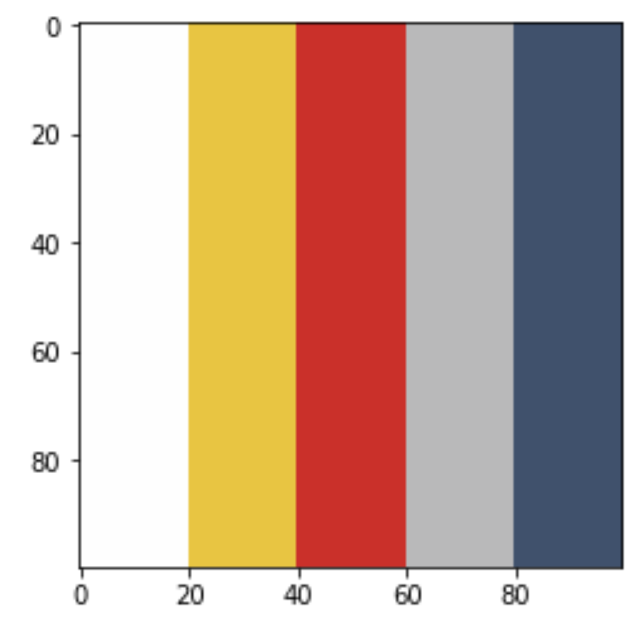
To run the code on a different image, simply edit the image file path variable and rerun the entire notebook. Be aware that large images will take longer to process.